Key Takeaways
- PAYE is HMRC’s system for collecting Income Tax and National Insurance directly through payroll.
- Your tax code decides how much tax you pay and why your take‑home pay changes each month.
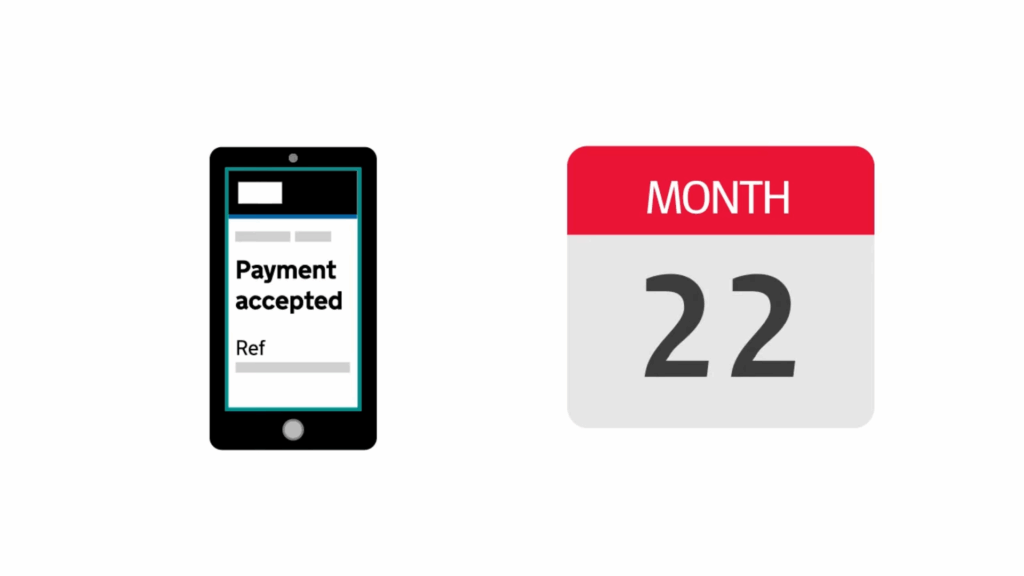
- Employers must ensure PAYE payments reach HMRC by the 22nd each month, or by the 19th if paying by post.
- Freelancers and creatives often need both PAYE and self‑assessment because PAYE doesn’t cover off‑payroll income.
- If something looks wrong on your payslip, check your tax code, compare payslips and review your HMRC record on GOV.UK.
HMRC has on official video explanation on this topic:
Table of contents
- 1. What PAYE is and how the PAYE system works
- 2. How PAYE works on your payslip
- 3. How your tax code affects the amount of tax you pay
- 4. PAYE payments: how HMRC deadlines work for employers
- 5. What is Accounts Office reference number?
- 6. When you need self-assessment as well as PAYE
- 7. What to do if something on your payslip looks wrong and what to do next
1. What PAYE is and how the PAYE system works
PAYE – Pay As You Earn – is the system HMRC uses to collect Income Tax and National Insurance straight from your wages.
Your employer runs your earnings through payroll, works out the tax you owe using your tax code, then deducts everything before your pay hits your account. Each payslip shows the full breakdown so you can see exactly how the system works and why your take-home pay changes from month to month.
Your payroll uses your tax code to decide how much of your earnings are tax-free and how much should be taxed. It also works out any National Insurance due on that pay period. The goal is simple: you pay the right amount of tax as you go, and you don’t need to calculate anything yourself.
If your income changes during the year (new job, pay rise, freelance work on the side), HMRC may update your tax code so your PAYE deductions stay accurate.
2. How PAYE works on your payslip
Your payslip shows exactly how PAYE is applied each time you’re paid.
It starts with your gross pay, that is the total you earned before any deductions, and then your employer works through each step of the PAYE process.
- First comes Income Tax, based on your tax code and how much of your earnings fall above your tax-free allowance.
- Then National Insurance is calculated on your earnings for that specific pay period.
- After that, payroll adds any other deductions that apply to you:
- pension contributions
- student loan repayments or
- benefits in kind.
All of this is handled by payroll software, which uses HMRC’s rules to work out how much to deduct and how much you should take home.
That’s why your net pay can change even when your hours or salary stay the same: your deductions reflect what HMRC needs to collect at that moment in the tax year.
Note: The sequence of deductions on a payslip can be more complicated than outlined. Your own setup matters. If you have a salary sacrifice arrangement (like a pension contribution), it will be taken from your gross pay first.
3. How your tax code affects the amount of tax you pay
Your tax code tells your employer how much of your income should be tax-free and how much should be taxed each time you’re paid. Payroll uses that code to calculate your PAYE deductions, so even a small change can shift your take-home pay.
Standard tax code on PAYE
Most people have a standard tax code that includes their personal allowance.
If your code changes during the tax year because maybe you started a second job, claimed a benefit, received company perks, or HMRC is collecting unpaid tax, your payslip will reflect it straight away.
That’s why your Income Tax can go up or down without any change in your actual earnings.
Emergency tax code on PAYE
If you see an emergency tax code or a code you don’t recognise, check it quickly!
Wrong codes are one of the most common reasons people pay too much or too little tax. You can view your current code and your income details on GOV.UK or through HMRC’s online services, and contact HMRC if something doesn’t look right.
What you can do as a creative: switching between PAYE and self-assessment
If you work in the creative sector, it’s common to move between payroll and freelance projects during the same tax year. When you’re on payroll, your employer must operate PAYE and deduct Income Tax and National Insurance on your earnings for that job.
But PAYE isn’t designed to cover income from self-employed work, royalties, one-off jobs or multiple small clients.
That’s why creatives often need both systems working together:
- PAYE for any contract where you appear on payroll, and
- a tax return to report everything else.
If you’ve got several sources of income, your tax code might change during the year so HMRC can collect the right amount of tax through PAYE. And if PAYE can’t cover the full balance, HMRC settles it through self-assessment at the end of the tax year.
This is one of the most challenging things about tax if you’re a creative. If you can’t figure out yourself, feel free to reach out! We work exclusively with creatives, and we’re familiar with your sector, so we know how to deal with these situations.

4. PAYE payments: how HMRC deadlines work for employers
Once payroll is processed and the Full Payment Submission is sent to HMRC, your employer has to pay over the tax and National Insurance they’ve deducted from your wages.
HMRC expects these PAYE payments to clear by the 22nd of each month. If the employer pays by cheque, the deadline is the 19th instead, so it should arrive to HMRC on the 19th at latest.
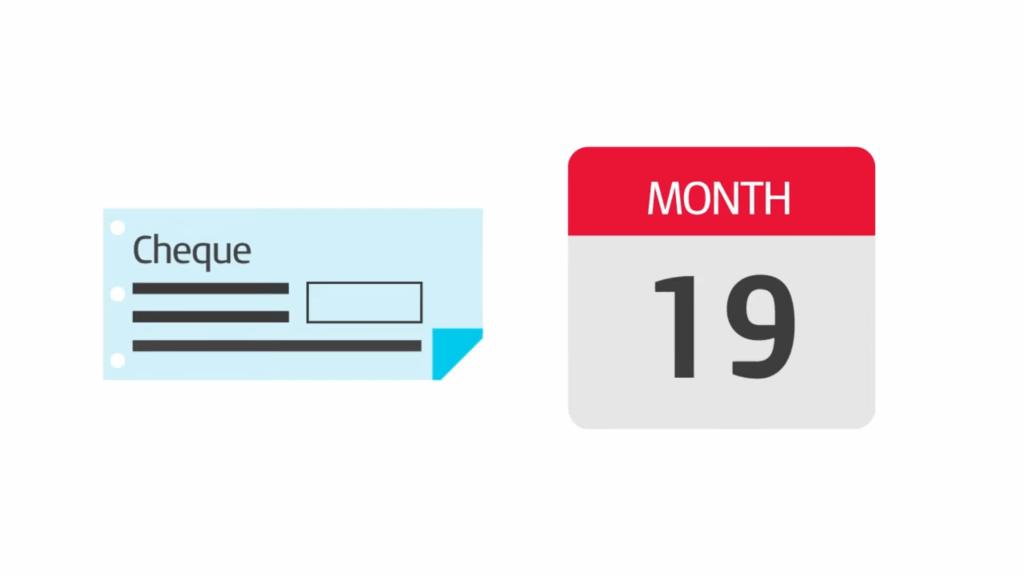
| Creative Example Tax month 4 runs from 6 July to 5 August. If you’re paid during that period, the PAYE deductions taken from your payslips must reach HMRC by 22 August, or by 19 August if sent by cheque. When a deadline falls on a weekend or bank holiday, the payment must clear on the last working day before it! Unless the employer uses Faster Payments, which can clear sooner. |
If PAYE payments are late, HMRC can charge interest and an HMRC penalty. Even though you’re not the one making the payment, late reporting or late payments can affect your tax code, your income record for the tax year and the accuracy of your future payslips.
5. What is Accounts Office reference number?
Your Accounts Office reference number is the code HMRC uses to match every PAYE payment to your business.
It’s 13 characters long and issued when you register for PAYE. Employers must include it each time they send tax and National Insurance to HMRC so payments are allocated correctly.
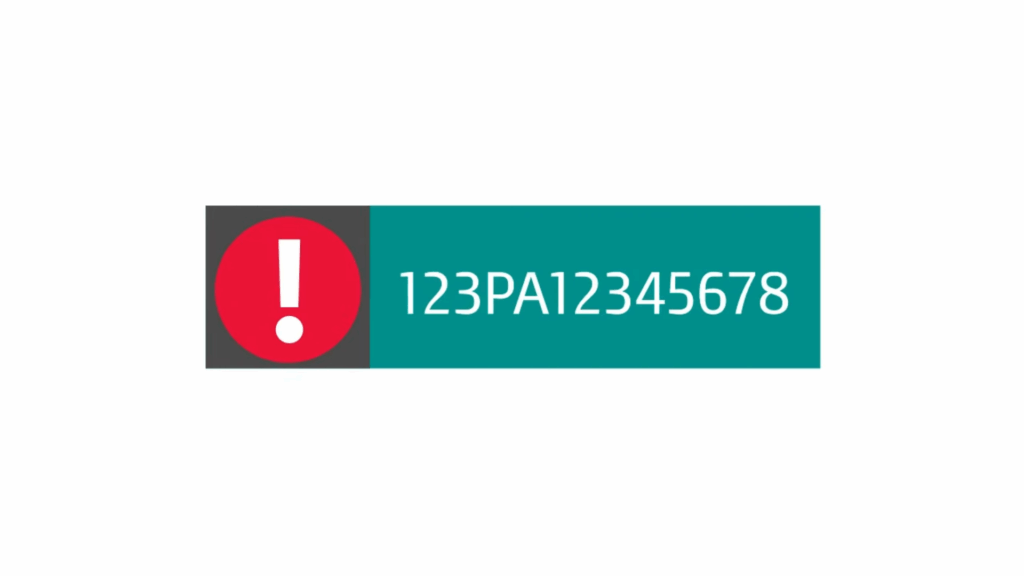
If a payment is made very early or very late, four extra digits are added to show the tax year and tax month it belongs to. This stops HMRC from misallocating the payment and avoids issues like incorrect tax codes or late-payment warnings.
You’ll find the reference in your HMRC registration letter, in your HMRC online account, or saved inside your payroll software.
6. When you need self-assessment as well as PAYE
PAYE handles tax on your payroll income, but it doesn’t cover everything.
If you earn money outside your main job (freelance projects, royalties, dividends, rental income or any other untaxed source), HMRC may still need a tax return from you. PAYE can only deduct tax from income your employer reports, so anything off-payroll has to be declared through self-assessment.
You might also need a return if your annual income is higher than expected, if you receive benefits in kind that aren’t fully taxed through PAYE, or if HMRC tells you your PAYE deductions won’t collect the right amount of tax before the end of the tax year.
A tax return lets you work out how much tax you still need to pay and settle any remaining balance.
7. What to do if something on your payslip looks wrong and what to do next
If your payslip doesn’t look right, start with the basics:
- check your tax code
- compare your payslips for any sudden changes
- look at the income and deductions recorded for the current tax month.
Make sure your gross pay, pension contributions and student loan repayments match what you expect. A wrong tax code or an unreported benefit in kind can shift your deductions even if your earnings haven’t changed.
You can view your full income record, tax code and PAYE history on GOV.UK or through HMRC’s online services. If the figures still don’t make sense, speak to your employer first so they can correct the payroll details they send to HMRC.
If you’re juggling payroll work and freelance income and want everything to stay clean and predictable, WallsMan Creative can help you understand PAYE deductions, manage your tax position and keep HMRC happy without the usual stress.