MTD bridging software is a simple tool that lets you keep using your spreadsheets while staying compliant with HMRC’s Making Tax Digital rules.
Key Takeaways
- MTD bridging software lets you keep using spreadsheets while staying compliant with HMRC’s Making Tax Digital rules.
- You must use HMRC-approved bridging software to submit VAT returns digitally and avoid compliance risks.
- Bridging tools work by digitally linking your spreadsheet to HMRC, pulling VAT totals directly without manual re-entry.
- Setup is quick and straightforward: spreadsheet preparation, HMRC authorisation, and digital submission.
- Common mistakes include breaking digital links, using the wrong spreadsheet format, or filing too close to the deadline, all of which can cause submission failures or penalties.
- Bridging software is ideal if you are not ready for full accounting software, but still need to meet MTD VAT requirements.
Table of contents
- 1. Absolute Excel VAT Filer
- 2. 123Sheets
- 3. Easy MTD VAT
- 4. Andica MTD VAT Bridging Software
- 5. Xero Bridging Tool (for existing Xero users)
- How to check MTD bridging software compatibility?
- How VAT return works with bridging software for MTD?
- How to avoid mistakes with MTD bridging software?
- FAQs about bridging software for MTD
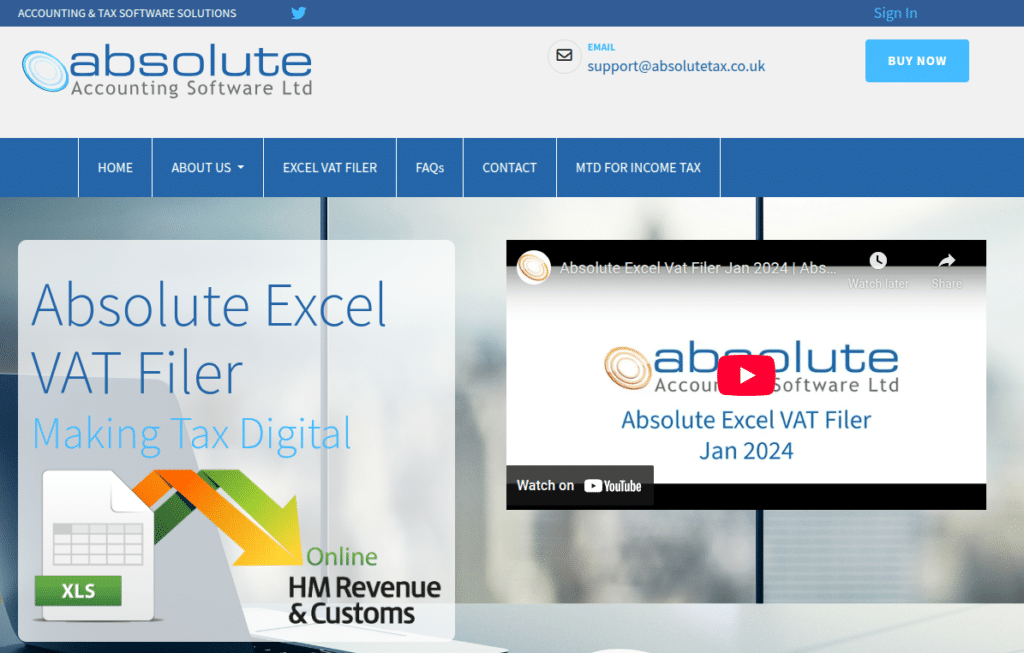
1. Absolute Excel VAT Filer
- Best for: Excel-heavy users and accountants
- Price: £40 + VAT (for a 12-month period)
Pros ✅
- Cheap price
- Supports complex spreadsheets
- Lightweight install
Cons ⛔
- Clunky interface
- Not cloud-based
- Less intuitive for beginners
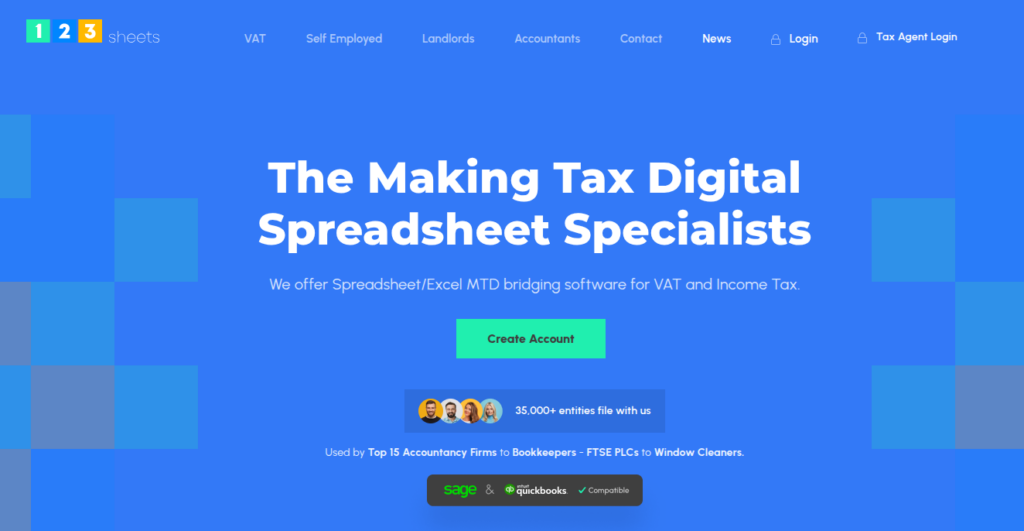
2. 123Sheets
- Best for: Small businesses and freelancers
- Price: £19.75 + VAT (for a single taxpayer)
Pros ✅
- Easy setup
- Affordable monthly plan
- Straightforward VAT workflow
Cons ⛔
- Limited features outside VAT filing
- Basic UI
- Lacks integrations
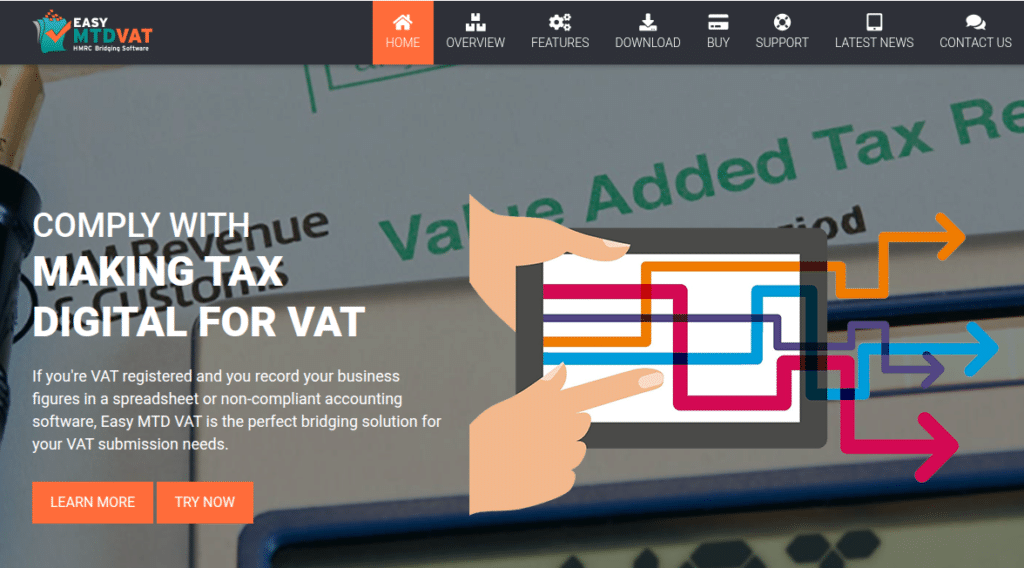
3. Easy MTD VAT
- Best for: Speedy one-off submissions
- Price:from £5.99 per token
Pros ✅
- Simple drag-and-drop
- Clean UI
- Fast to set up
Cons ⛔
- No advanced data checks
- Minimal reporting
- Limited support
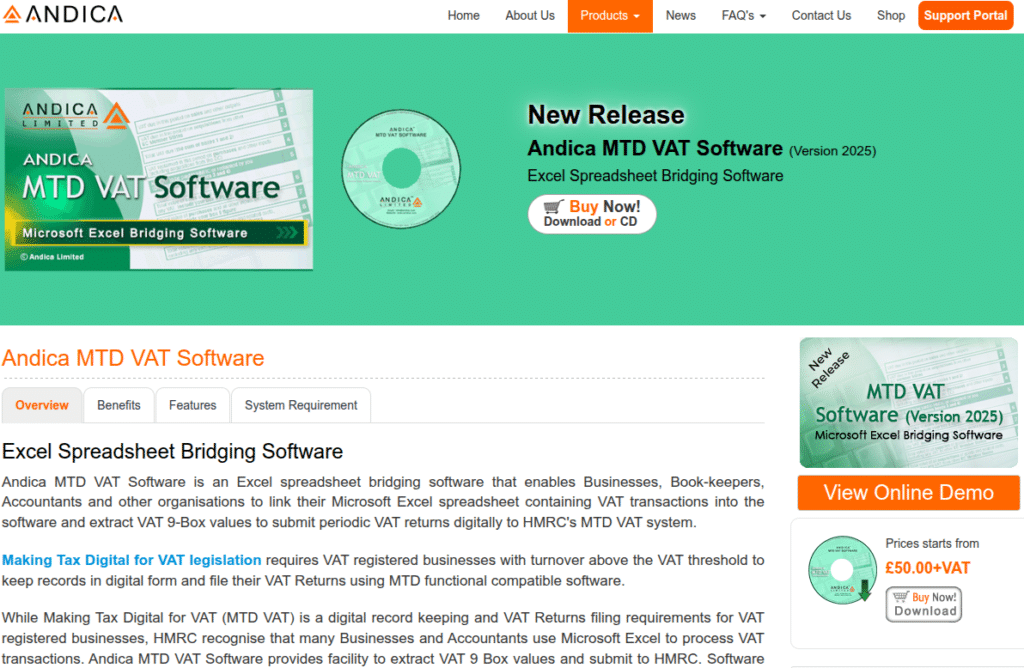
4. Andica MTD VAT Bridging Software
- Best for: Businesses needing multiple company profiles
- Price: £50.00+VAT per licence
Pros ✅
- Scalable
- Batch filing supported
- Exportable audit trail
Cons ⛔
- More technical setup
- Dated UI
- Slower learning curve
5. Xero Bridging Tool (for existing Xero users)
- Best for: Those not ready for full MTD migration
- Price: Included with Xero subscription (from £15/month)

Pros ✅
- Integrates with Xero
- Seamless for existing users
Cons ⛔
- Requires Xero subscription
- Not for standalone spreadsheet use
- Can be overkill for simple needs
Each of these lets you stay MTD-compliant without ditching your spreadsheets. Just pick the one that fits your workflow.
How to check MTD bridging software compatibility?
Not all bridging software for MTD is created equal. And not all of it is approved by HMRC!
To be compliant, your software needs to appear on the official HMRC list.
That means it’s been tested to handle VAT submissions properly and securely through the MTD system. If it’s not on that list, using it puts you at risk of non-compliance – even if it seems to work.
The easiest way to check?
Search the provider’s name on HMRC’s compatible software list.
If you’re managing VAT for a creative agency or running books as a freelancer, stick with approved tools. Trust us: peace of mind is worth it when the deadline clock is ticking! And if you need any help with this decision, feel free to reach out:

How VAT return works with bridging software for MTD?
Filing your VAT return through bridging software is straightforward.
Prepare your spreadsheet
Keep your VAT figures organised.
HMRC expects totals in specific cells, so check the software’s template or guidelines. Most offer downloadable Excel examples.
Launch the bridging software
Open your chosen tool and connect it to your spreadsheet. Some require a file upload, others pull data directly.
Check the figures
The software reads your VAT return boxes (like Box 1, Box 6, etc.). Double-check they match your calculations.
Authorise HMRC access
Log into your HMRC account through the software to grant permission. This is usually a one-time process, and takes only a couple of minutes.
Submit the return
Hit send!
You’ll get a digital receipt or confirmation directly from HMRC.
Save the proof
Most tools let you export a PDF or email receipt – keep this for your records.
That’s it! No last-minute panic. Just spreadsheet in, VAT return out.
How to avoid mistakes with MTD bridging software?
Even with the right tools, a few small missteps can throw you off.
Here’s what to watch out for:
Wrong spreadsheet format
Bridging software usually needs your VAT figures in specific cells or named ranges. If your spreadsheet’s too custom, the tool might not read it properly.
| Creative Tip Use their templates or test with dummy data first. |
Copy-pasting totals manually
MTD rules require a digital link between your records and the final submission. Manually typing figures into the software breaks compliance.
| Creative Tip Link your cells properly – don’t overwrite them. |
Forgetting HMRC authorisation
If you haven’t reauthorised your HMRC login in 18 months, your submission will fail without much warning.
| Creative Tip Reconnect your HMRC account every tax year, just in case. |
Leaving it till the deadline
A flaky internet connection or expired login token can block your submission. And there’s no “oops” buffer with HMRC penalties.
| Creative Tip File at least 48 hours before deadline. (Just to stay stress-free.) |
FAQs about bridging software for MTD
Probably not. Most cloud accounting platforms are already MTD-compliant. But if you’re still using spreadsheets for part of your process, bridging software can cover the gap.
No. Unless HMRC gives you a formal exemption from MTD, digital submission is mandatory for VAT-registered businesses.
You can usually correct it in your next VAT return or by contacting HMRC directly. But bridging software doesn’t always flag mistakes. You’ll need to review the figures before hitting send.
No. They only provide a list of approved software. But some bridging tools are free or low-cost, especially for sole traders.
If you’re still interested in making the full change to the best MTD software, check our dedicated blog post.